# Files Comments
Web File Share provides a tool for attaching user's comments to files.
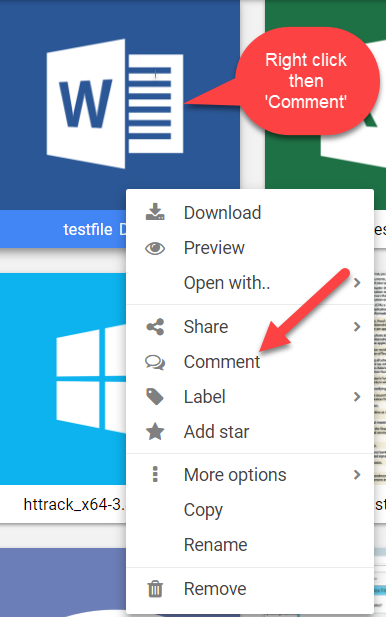
To read or add comments to a file follow these steps:
1. Select the file
2. Toggle the “Comments” tab available at the bottom of the file preview pane.
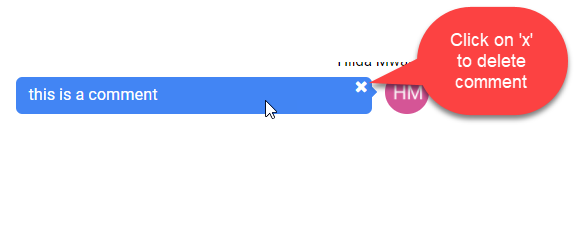
To remove a comment from the list select it and click the “X” button that is displayed on the right-hand side of the comment you are holding the mouse cursor over.