# Creating zip files
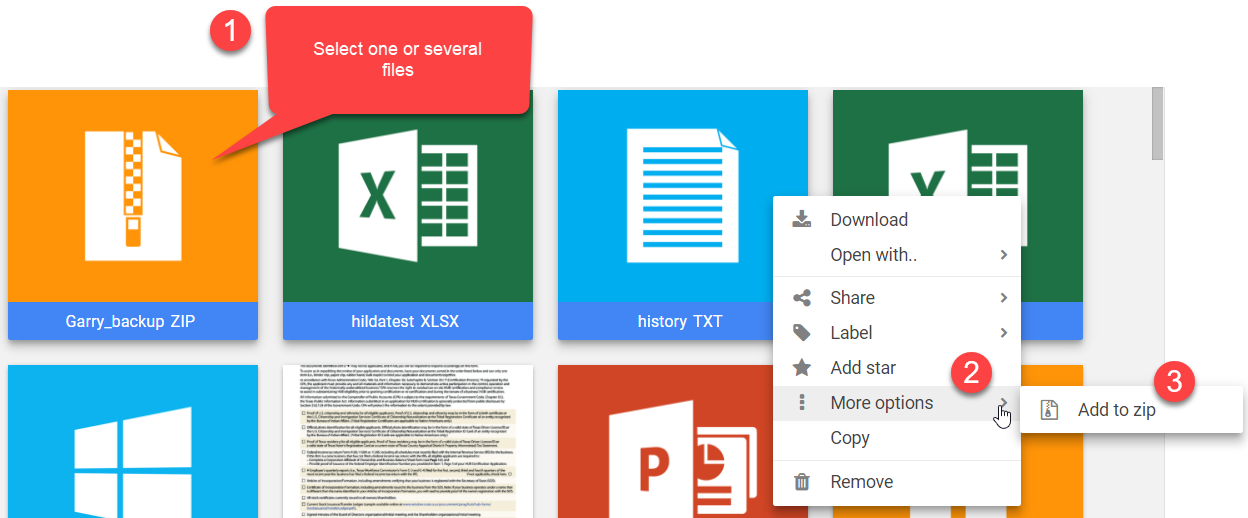
To Zip one or multiple files follow these steps:
1. Select one file, or multiple files by holding the CTRL key pressed.
2. Right-click the file and select “More options” → “Add to zip”.
3. Type the new name for the new Zip file and click “Ok”.
4. The files list will automatically reload to show the changes.
To Zip an entire folder the process is identical.